01
A working version in two days
Within two days of starting the build, the first working version was processing the client's real orders. The review board was running at its own address during the first call.
Peter Fasano is a home-furnishings textile house. Orders arrive by email as typed documents, scans, and handwritten notes. The original workflow required the operations team to check the paperwork and enter each order by hand into an ERP with separate modules that do not communicate.
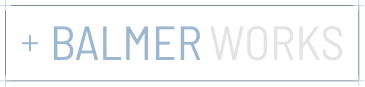
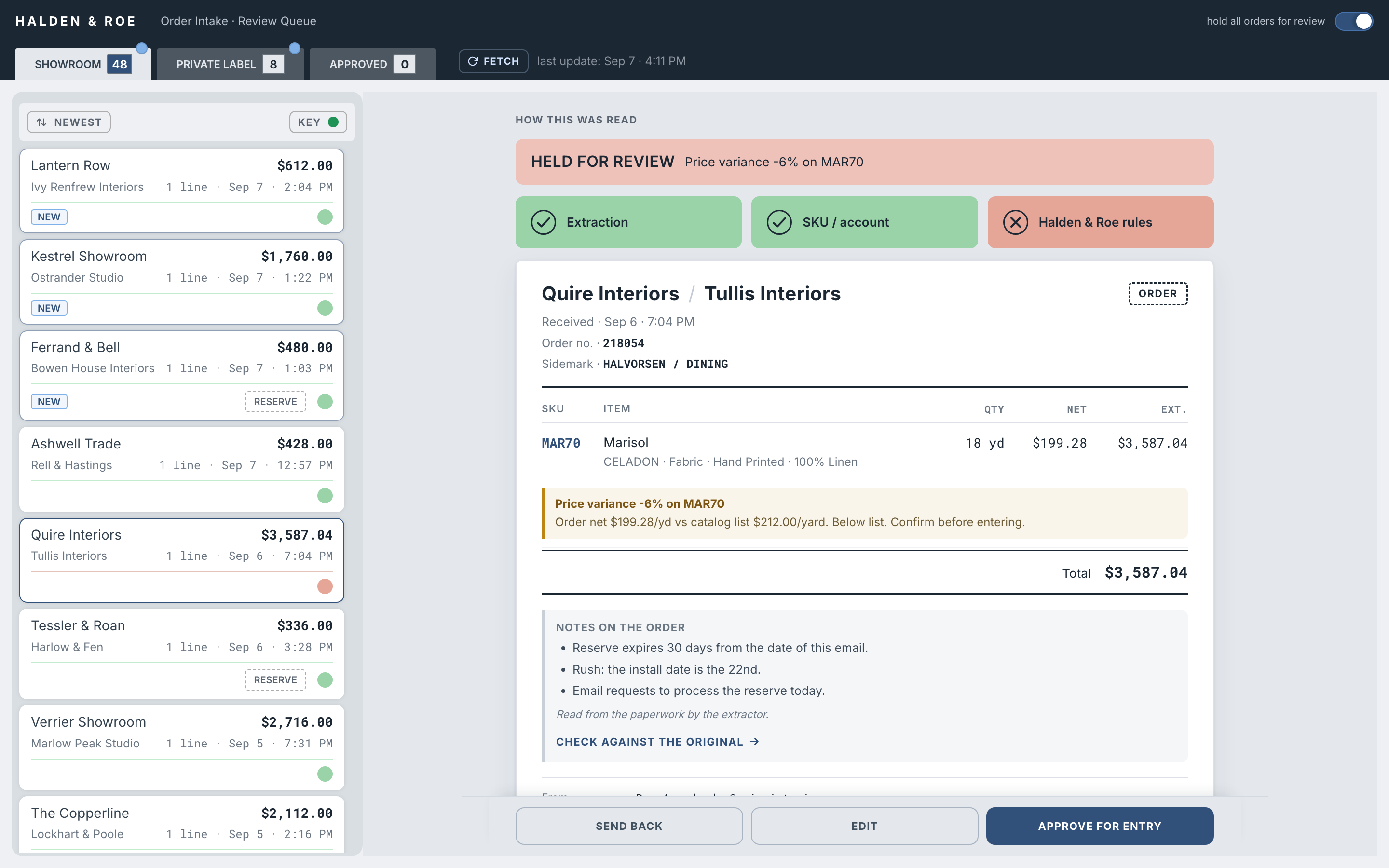
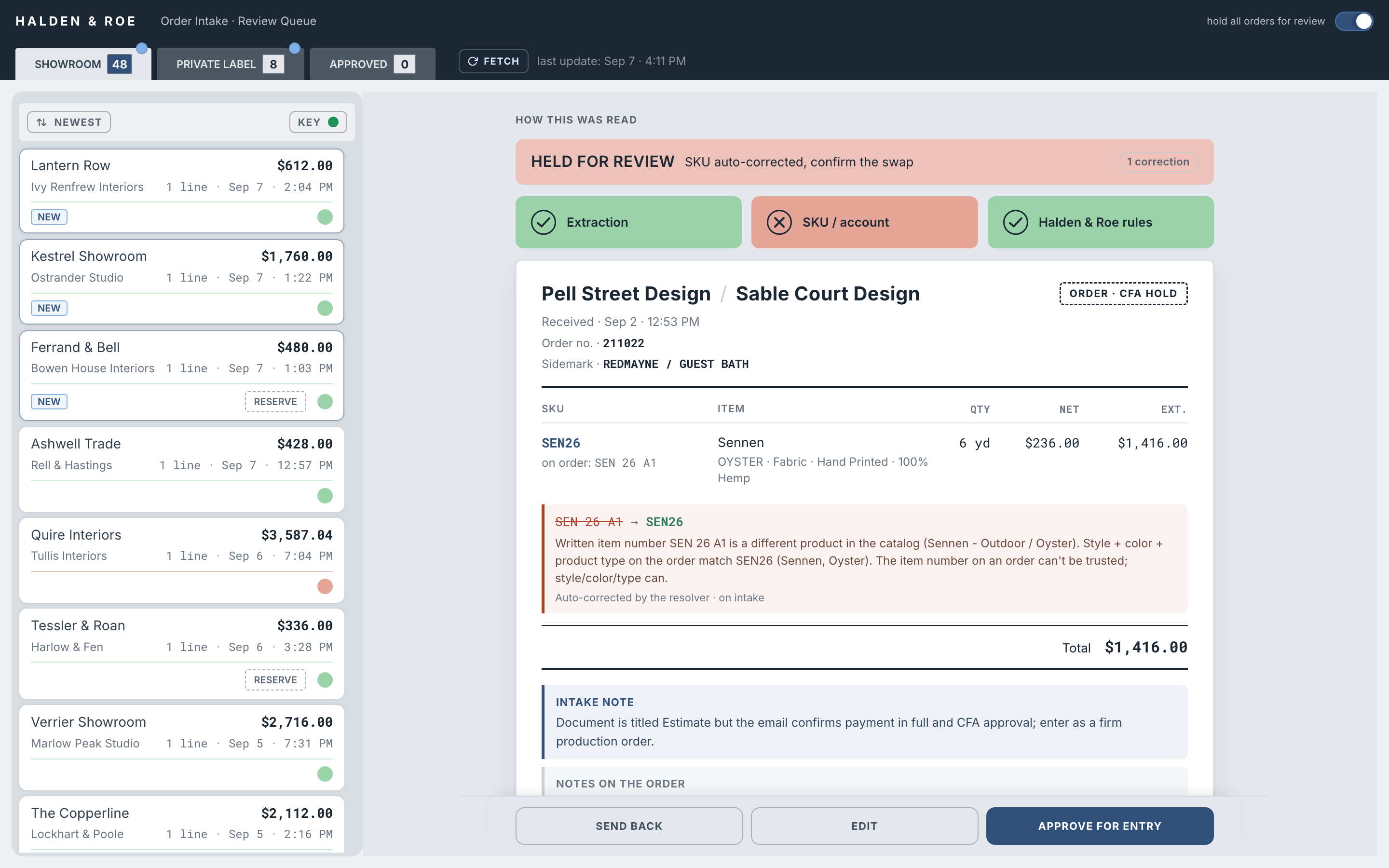
We built an order intake system between the inbox and the ERP. It checks the inbox hourly, extracts order details, and checks them against the live catalog. Each field links back to its source. The review board shows discrepancies and anything the system could not check. Every order still requires a person's approval. The next phase will send approved orders into the ERP's staging area for a separate release step. That handoff is being developed and is not yet live.
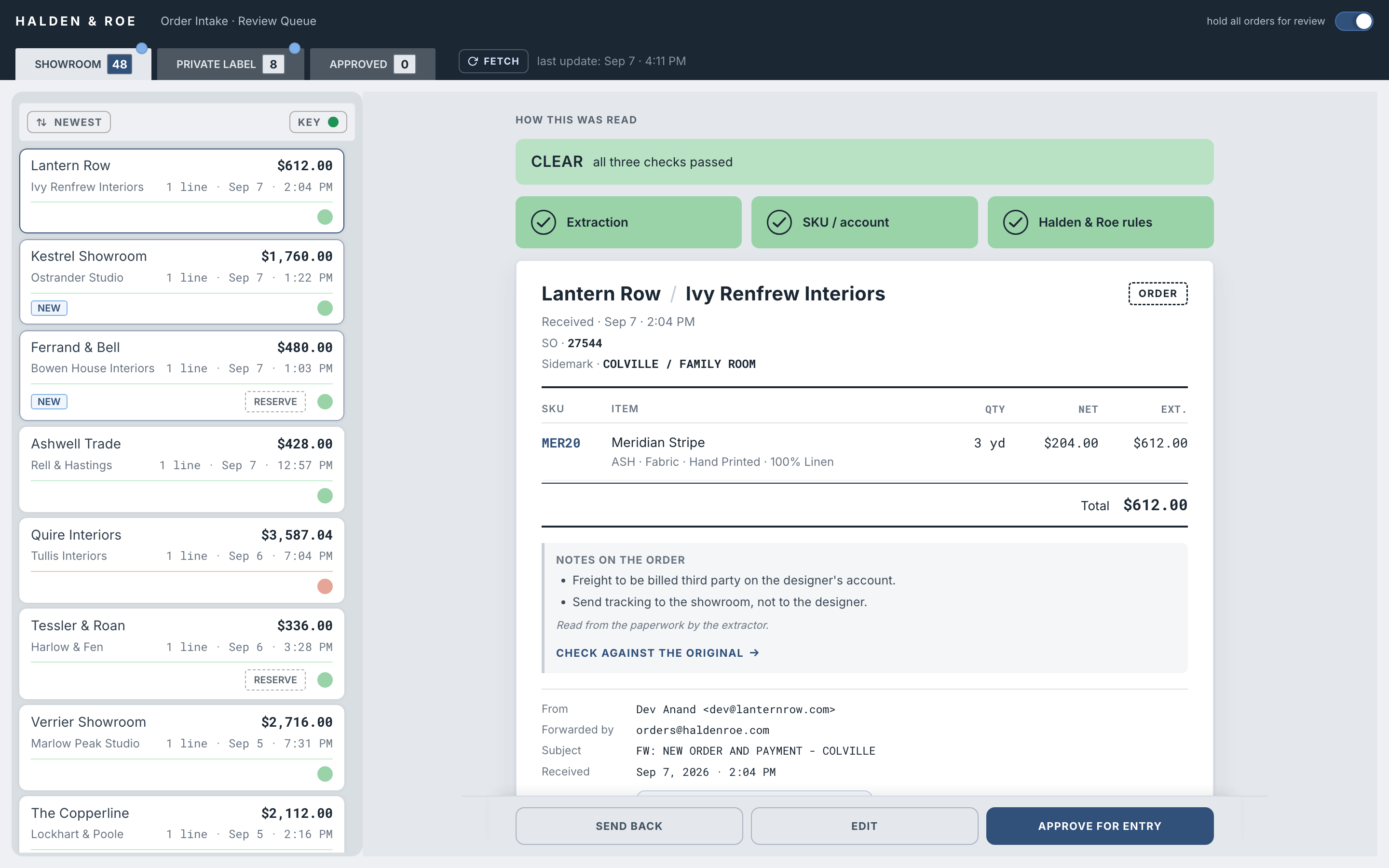
Within two days of starting the build, the first working version was processing the client's real orders. The review board was running at its own address during the first call.
During the walkthrough, one line of 21 yards came in at $103.50 against a catalog list of $138.00. Not an error: that showroom deducts its 25% commission when writing the purchase order. Keyed as written, with the monthly commission check also going out, $724.50 would have been paid twice. Nothing was double-paid. It was flagged for confirmation. The system knew none of the rule. It just declined to stay quiet about a number that disagreed, which is the whole design. Flag, never block.
The initial intake process looked for attachments. Requests written only in an email body could pass unnoticed, so a separate watcher was built to find them. Over 90 days, it identified five requests without attachments, worth roughly $6,530 at list. People had already caught every one by hand. The watcher makes that gap visible rather than relying on someone to remember to check.
The same principle applies to individual items. If the catalog has no price to compare, the system displays "No list price" rather than silently skipping the check.
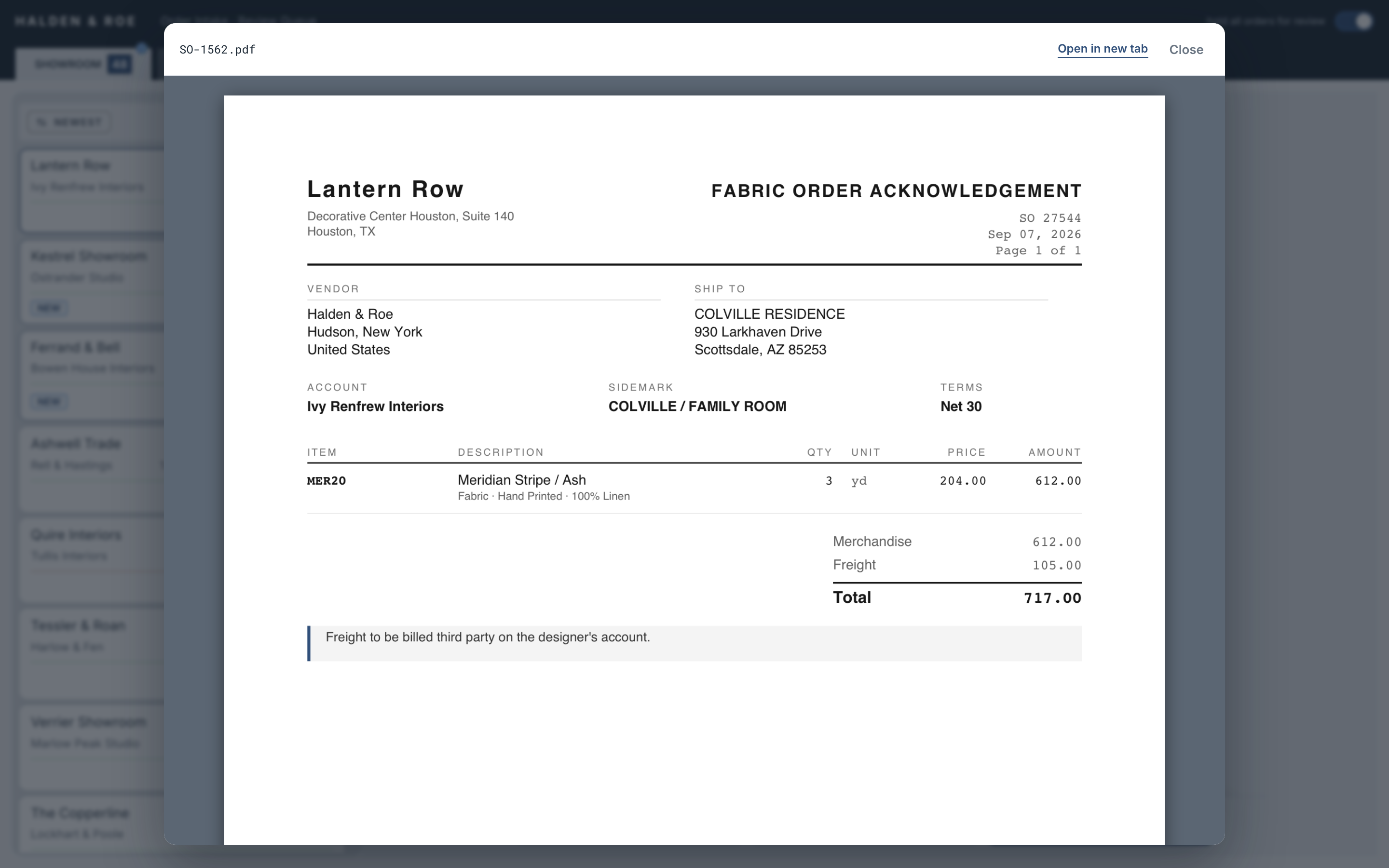
In August, the review board’s publishing system was offline for a week. The cloud pipeline kept running without a missed cycle. The board stopped updating, and its freshness stamp made that clear. When publishing resumed, a catch-up cycle brought the board up to date.
Before moving the review board to the cloud, the local and cloud pipelines were compared on the same data. A disagreement exposed a defect in both: each silently skipped a price check when the catalog had no price. Both now report that limit. The cutover was postponed until the checks agreed, and the comparison was repeated across the full live queue in September 2026.
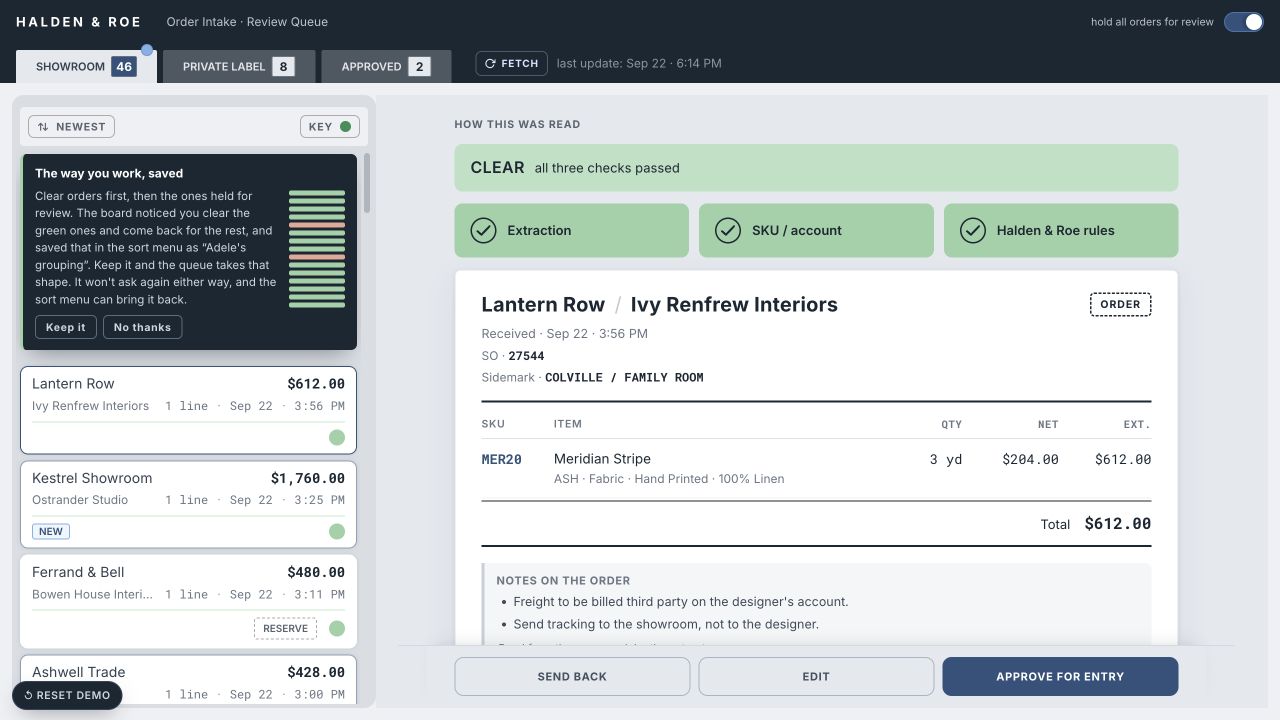
A reviewer may handle orders that passed their checks first, then return to the flagged ones. The board recognizes repeated patterns like this without a model and, after three sessions, offers a saved sort. The reviewer can keep it, rename it, or decline it. It becomes their default only if they choose to keep it.
The suggestion appears once. The board's default remains chronological unless the reviewer chooses otherwise.
The intake and validation workflow has been live since July 2026, with hourly inbox checks. Every order requires a person's approval.
The ERP handoff is in development. The planned submission will create a staged order. A person will still release the order in the ERP.
Peter Fasano has approved development of the ERP handoff. The intended workflow is to submit each approved order to ERP staging, where it can be released as a separate step.
Before launch, the submission format, representative and customer matching, and any automatic notifications need to be resolved. The approval action will not be connected to ERP submission until these requirements are settled.
Send me a note. I'll help you work out where to start.